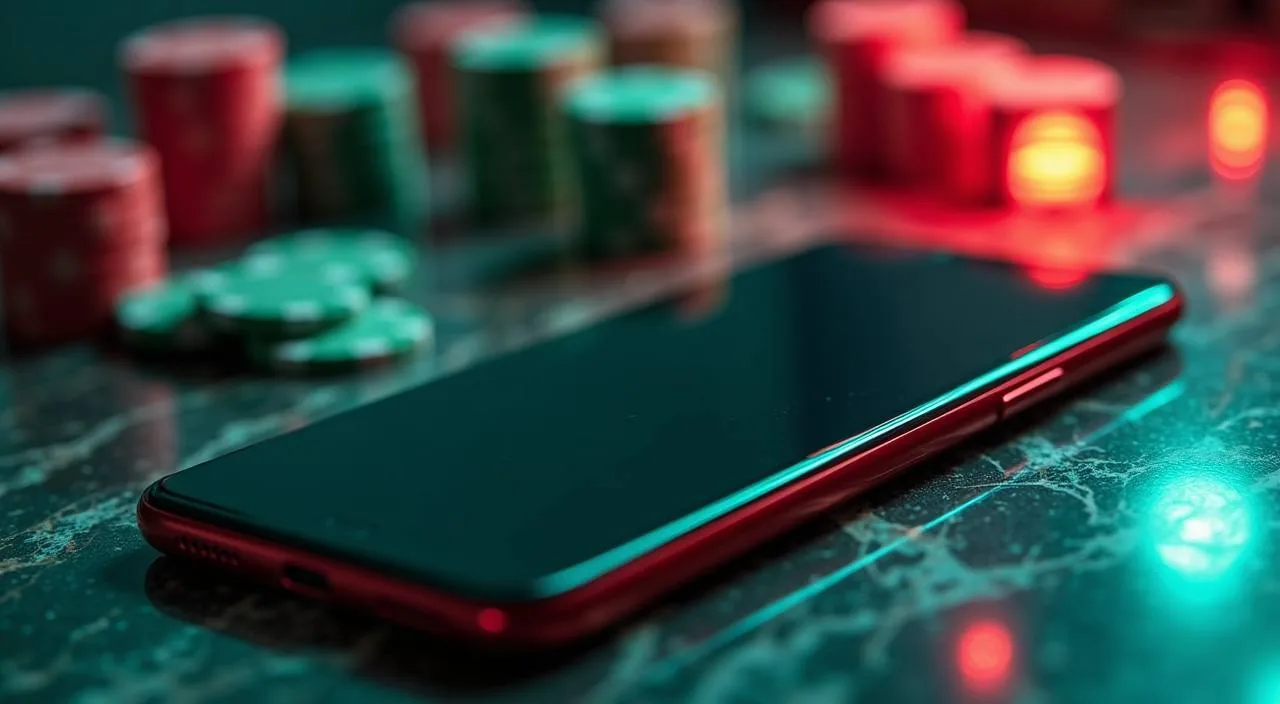
The t866 lobby opens directly in your mobile browser — no download queue, no store listing to hunt for. Check whether a dedicated app build is currently offered by visiting the app or download section inside your signed-in account, where any available option will be shown.
When you open t866 in a mobile browser, the layout adjusts to your screen automatically. Navigation sits at the bottom of the page on smaller screens, so the lobby, account wallet and help pages stay within a thumb's reach. Your account state carries across devices — start a session on your phone and continue it on a desktop without logging in again, provided your session is still active.
BROWSER FEATURE SNAPSHOT
Mobile Access Features Inside t866
These are the rendered behaviours you can check directly in your browser session. No claims here depend on a native app, background process or device-level permission — only what the browser page delivers when you open t866 on a phone or tablet.
Responsive Layout
The page reflows to fit your screen width. Whether you are on a small Android handset or a tablet, the lobby columns, game cards and account controls adjust without you needing to pinch or scroll horizontally to find essential navigation.
Account Route Visibility
Your wallet balance, deposit record and withdrawal history are accessible from the account icon in the mobile navigation bar. You do not need to switch to a desktop view — the same account controls are present and tappable at standard font size on mobile.
Game Discovery Rail
Categories scroll horizontally on the lobby page, matching how phone screens handle wide content naturally. Titles from the studio catalogue — including CQ9 and PG Soft games — appear in the same rail without a separate loader or redirect.
Session Continuity
If you leave the browser tab open and return within your session window, you land back on the page you left. This applies across game lobbies and account pages, so returning to Crash Bangladesh Arena or Teen Patti NightFire mid-session is a single tap.
THREE STEPS IN
Mobile Access in 3 Steps
Getting the t866 lobby open on your phone takes three clear steps — no file to download, no store account needed. First, open your preferred mobile browser and go to t866. The site detects the screen size and loads the mobile layout.
Open t866 in Your Browser
Type t866 into your mobile browser address bar. The mobile layout loads automatically — no separate mobile URL needed.
Check Browser Compatibility
A current version of Chrome, Firefox or Samsung Internet handles the lobby layout cleanly. Update your browser from your device's app store if pages appear misaligned.
Sign In and Reach the Lobby
Enter your login credentials on the sign-in page. After authentication, your wallet balance and the full game lobby are accessible from the bottom navigation bar.
Add a Home Screen Shortcut
Use your browser's 'Add to Home Screen' option to pin t866 as an icon on your phone. This gives you direct access without opening a browser tab from scratch each session.
DEVICE COMPATIBILITY CHECK
Which Devices and Browsers Work With t866
Compatibility depends on your browser's rendering engine and screen size, not on a specific operating system version. Check the device guidance page inside your account if you need specific confirmation for your handset.
Android Browsers
Chrome for Android and Samsung Internet both load the mobile lobby without layout issues. Keep the browser updated to avoid rendering gaps on game-card rows and the account navigation bar.
iOS Safari
Safari on iPhone and iPad opens t866 in the responsive layout. The 'Add to Home Screen' shortcut works the same as on Android, placing a direct-access icon on your home screen.
Account Requirements
You need a registered t866 account to access the full lobby, wallet and support pages. The sign-in page is accessible without an account, but game sessions and wallet functions require authentication.
Screen Size Behaviour
The layout is built for screens from small Android handsets upward. Tablets display a wider column layout. Very small or non-standard screen resolutions may show minor spacing differences — the account and game navigation remain functional either way.
Native App Availability
Whether a dedicated Android APK or mobile browser access build is available depends on the current offering. Check the download or app section within your signed-in account page — that section reflects what is currently published, not a static listing.
MOBILE HELP ROUTES
Getting Help When You Are on a Phone
If something stops working on mobile — a page not loading, a session expiring unexpectedly, or the account navigation behaving differently from what you expect — the support routes are accessible from inside the t866 mobile layout itself. Tap the help or support link in the account section to see the current contact options. Do not rely on third-party sources for support contact details; use only what is shown in your signed-in account page.
In-App Support Link
The help link inside your account page lists the current support contact methods. These are the channels t866 has published — check there rather than searching externally, as contact details are updated directly in the account section when they change.
Account Recovery Path
If you cannot sign in on mobile, use the password reset option on the login page. The reset link goes to your registered email address. Follow the steps shown on the reset page exactly — do not attempt account recovery through any route not shown there.
Browser Troubleshooting
For layout or loading problems, clear your browser cache and reload t866. If the problem continues, switch to a different browser on the same device to isolate whether the issue is browser-specific before contacting support.
ACCESS TRUST CHECKS
Staying Secure on t866 Mobile
Mobile access carries the same account security responsibilities as desktop. Keep your credentials private, use the published recovery path if your access is interrupted, and always verify you are on the correct domain before entering your login details.
Verify the Domain
Always confirm the browser address bar shows t866 before signing in. On mobile, the address bar is sometimes partially hidden — tap it to expand the full URL. Do not proceed on any URL that differs from the published domain, even by a single character.
Review Published Device Guidance
The account section within t866 publishes any device-specific guidance and current app availability. Check there before assuming a third-party download source is legitimate — we do not distribute APK files through external sites.
Protect Account Credentials
Do not save your t866 password in a shared browser profile or on a device other people have access to. Use a strong, unique password and update it through the account settings page if you suspect it has been shared or compromised.
Use the Published Recovery Path
If you lose access on mobile, the password reset and account recovery steps are on the login page and within the support section. These are the authorised routes. Do not follow recovery instructions from any message or link that did not originate from t866.
APP QUESTIONS ANSWERED
Common Questions About the t866 App
These are the questions we hear most often from people checking the t866 mobile experience for the first time. If something is not covered here, the support link inside your account page is the right next step.
Is there a t866 app I can download from the Play Store or App Store?
Whether a native app build is currently listed in the Play Store or App Store depends on the current offering. Check the app or download section inside your signed-in t866 account — that page shows what is available right now, and it is updated when the status changes.
Can I use t866 on my phone without downloading anything?
Yes. Opening t866 in a mobile browser gives you access to the full lobby, your account wallet and the support section without any download. The page layout adjusts to your screen automatically, so the experience is close to a native app for most everyday tasks.
Does the t866 mobile browser version include all the games in the lobby?
The browser version of t866 loads titles from all four studios in the catalogue — PG Soft, CQ9, Habanero and Microgaming. Games including Crash Bangladesh Arena and Live Baccarat Royale open directly in the browser window without a separate install or plugin.
How do I add t866 to my phone's home screen for quicker access?
Open t866 in Chrome or Safari on your phone, then use the browser menu to select 'Add to Home Screen'. A shortcut icon appears on your home screen and opens the site directly, giving you single-tap access without navigating through the browser each time.
What should I do if the t866 mobile layout is not displaying correctly?
First, clear your browser cache and reload t866. If the problem continues, check whether your browser is up to date and try a different browser on the same device — Chrome and Samsung Internet both render the layout cleanly. If the issue persists, contact support through the help link in your account page.
Is my account session shared between the t866 mobile browser and desktop?
Your account data — wallet balance, transaction history and settings — is the same regardless of which device you use to sign in. Session continuity means if your browser session is still active when you switch devices, you may land back in the lobby without re-entering credentials, depending on your browser's session handling.
 Slots / Mobile